Guide
How it works
Step by step for riders and drivers, exactly as you will see it in the app.
Rider · AESA Taxi
Booking a ride
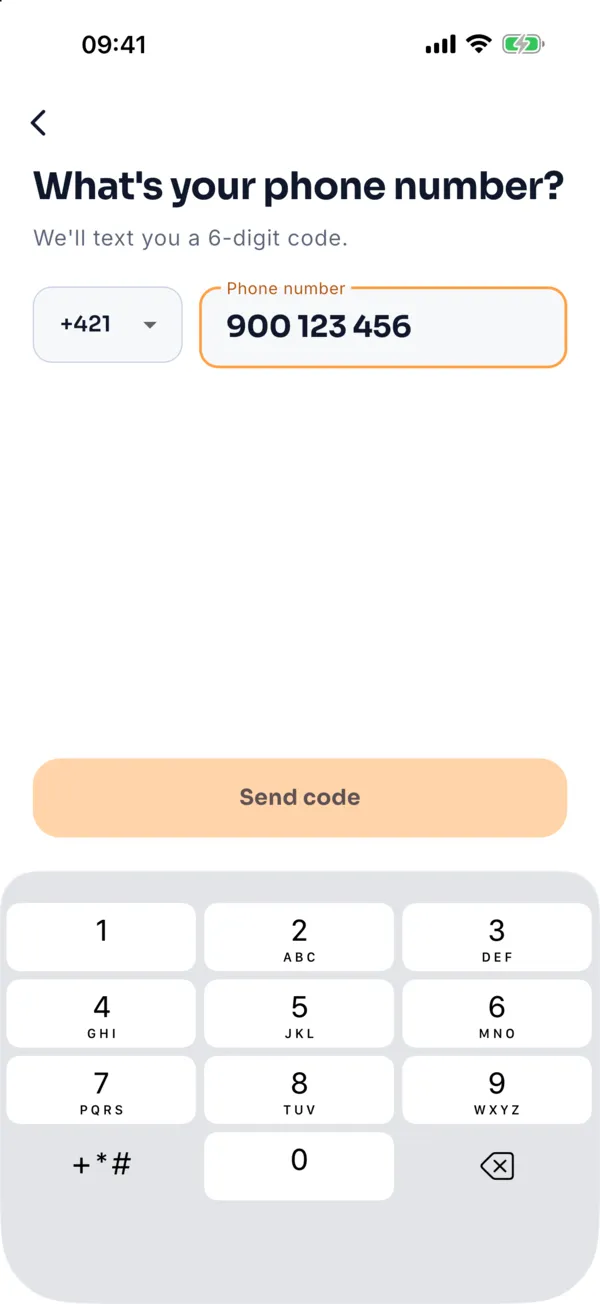
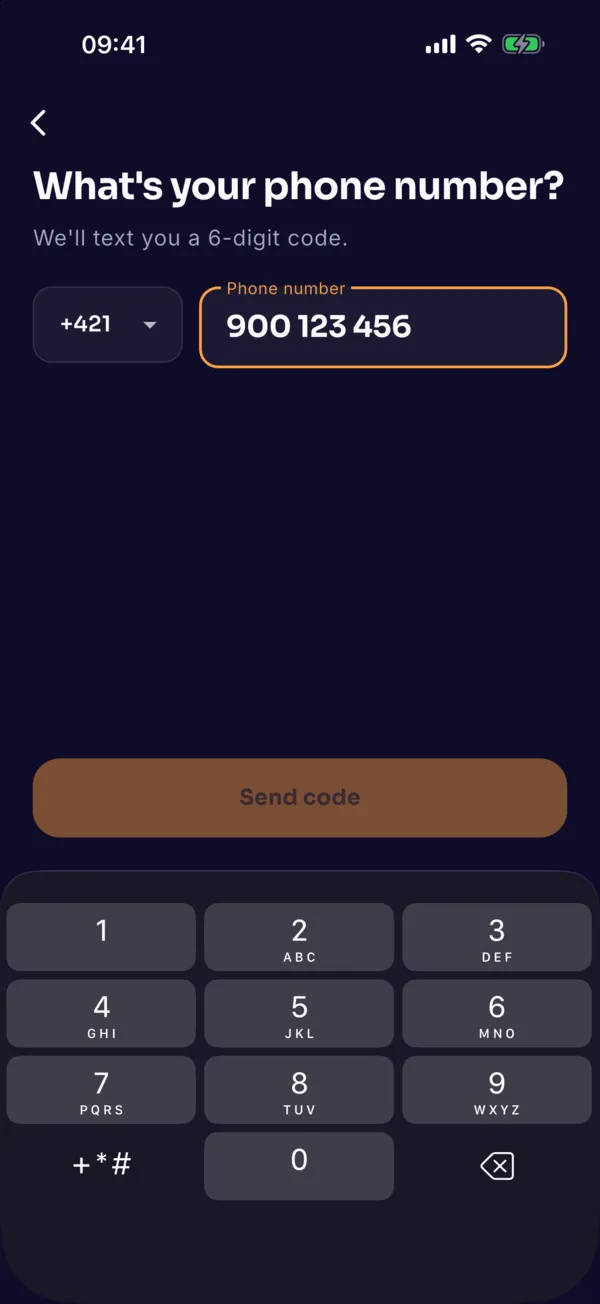
Sign in with your phone number
Enter your number, confirm the 6-digit SMS code and type your name. You can also sign in with Google or Apple (on iPhone). E-mail is optional; ride receipts are sent to it.
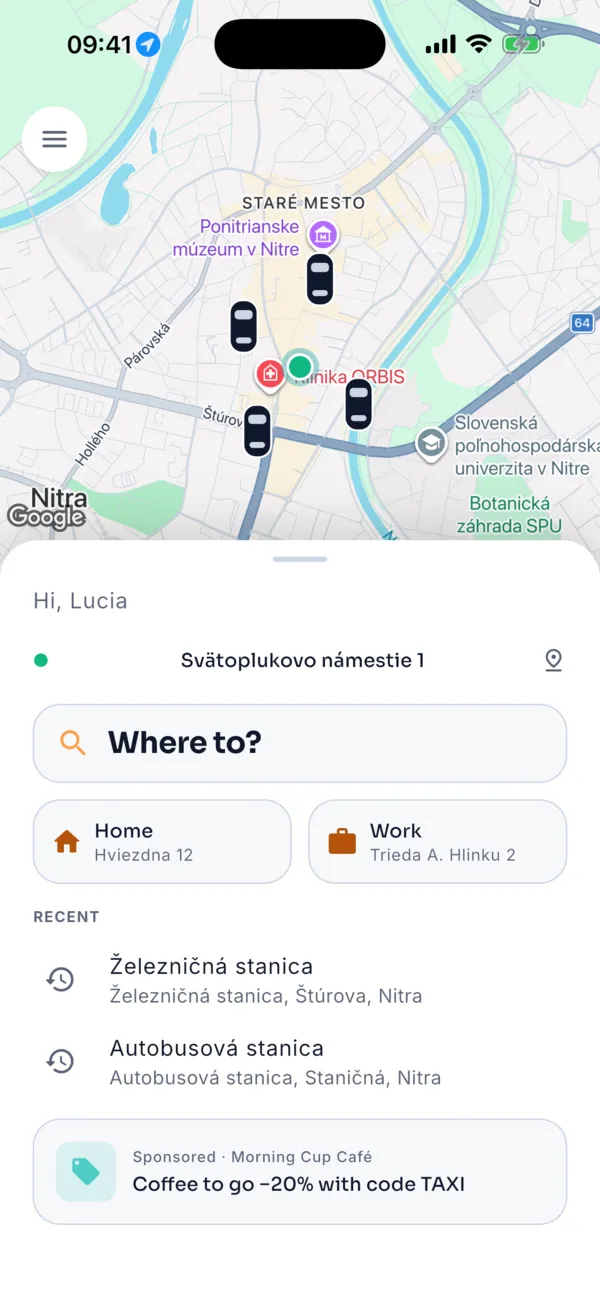
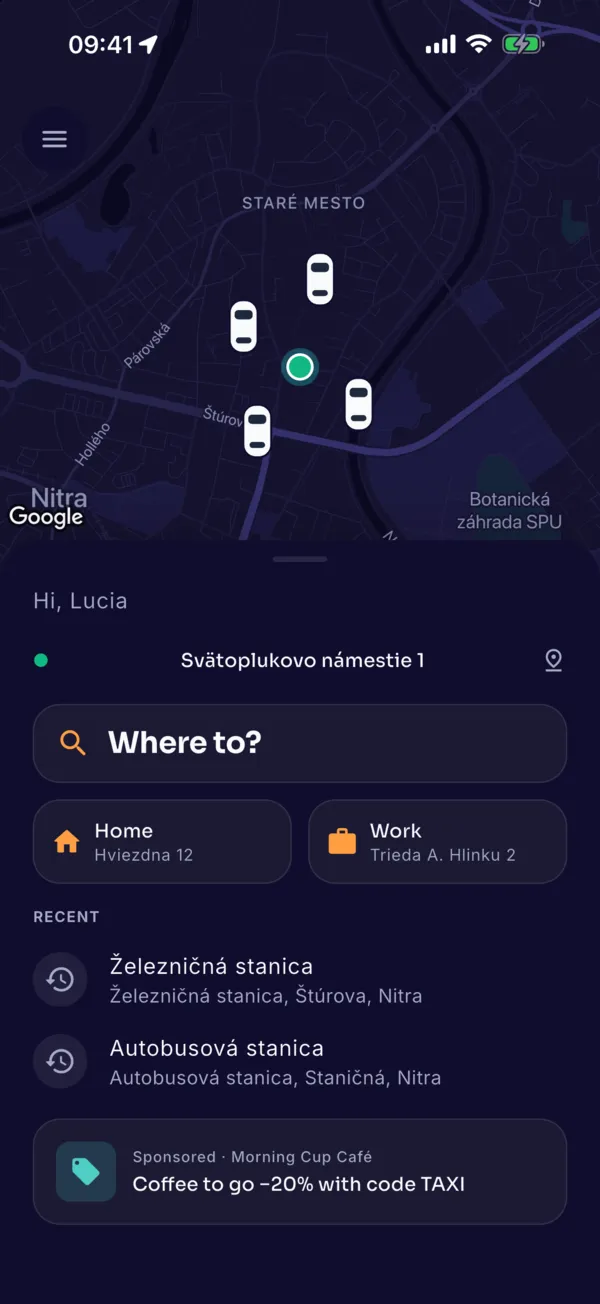
Where to?
Your phone location sets the pick-up point. Tap “Where to?” or choose Home, Work or a recent destination.
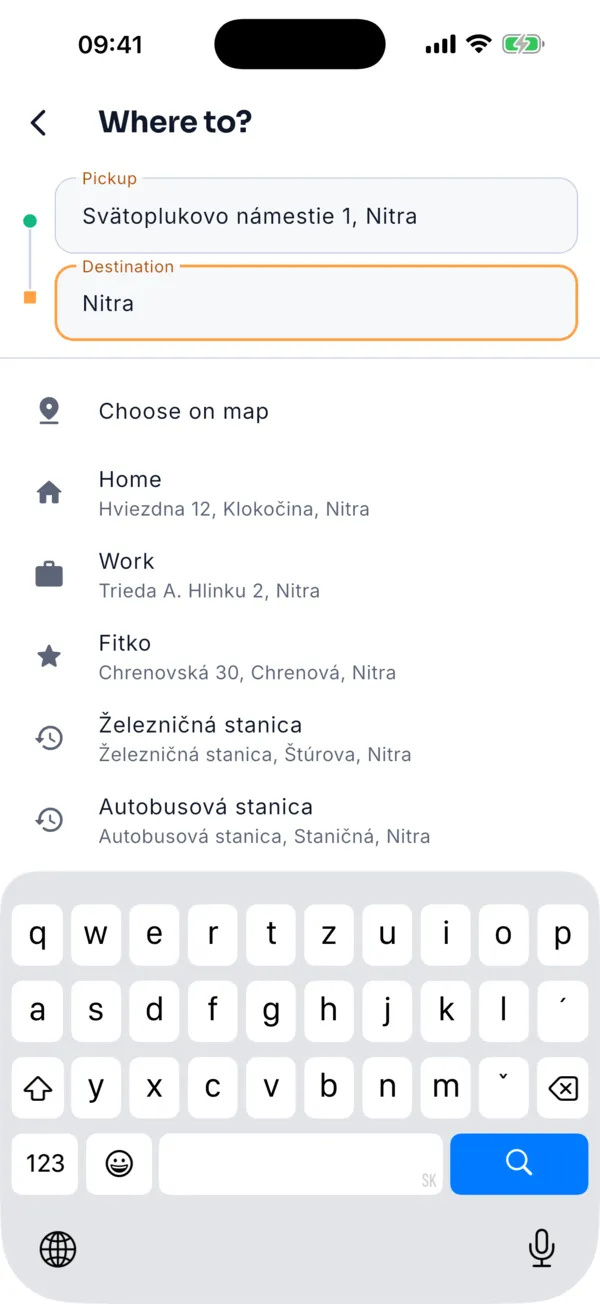
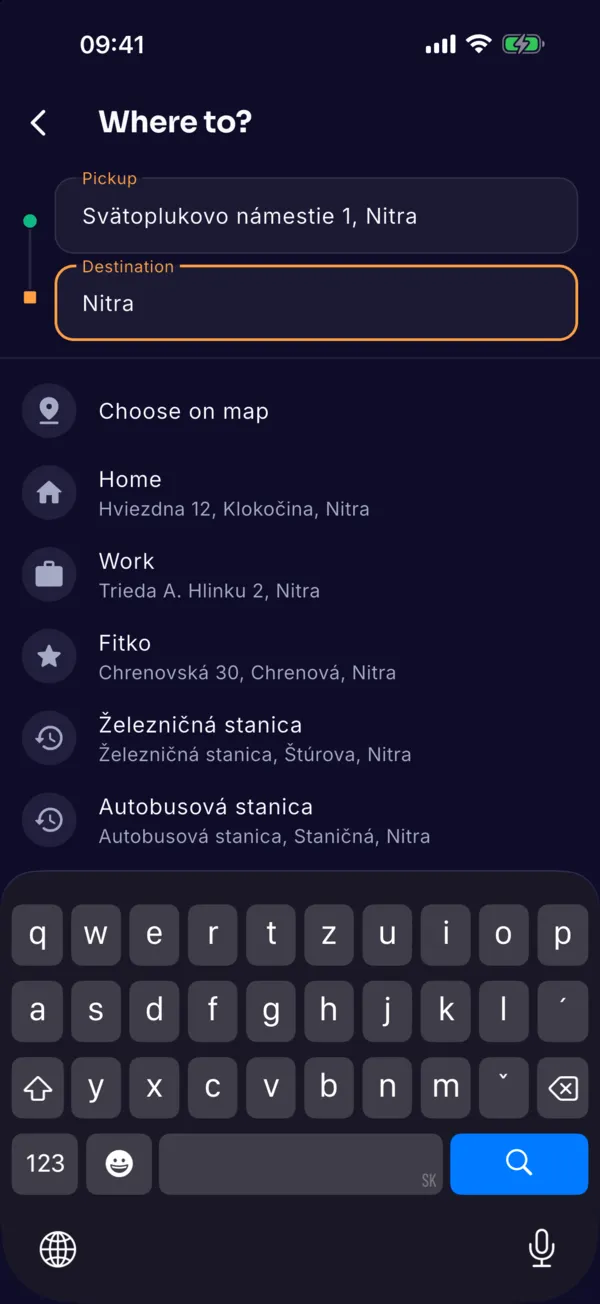
Find the destination
Type an address or place name; results appear as you type. You can also pick the destination on the map.
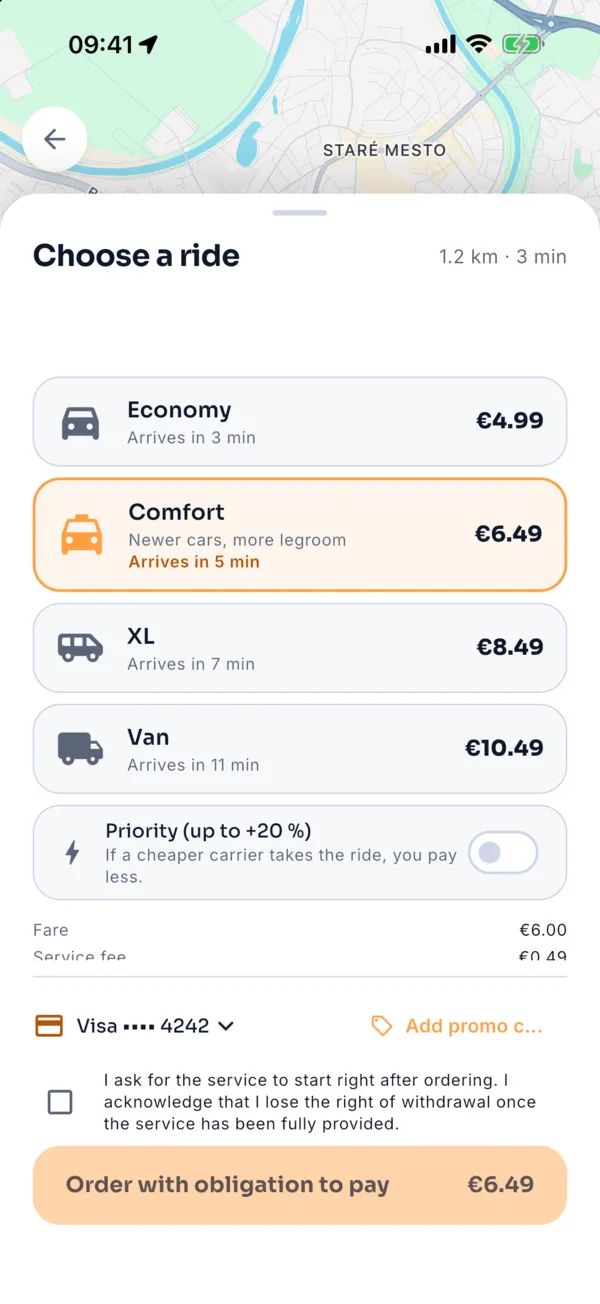
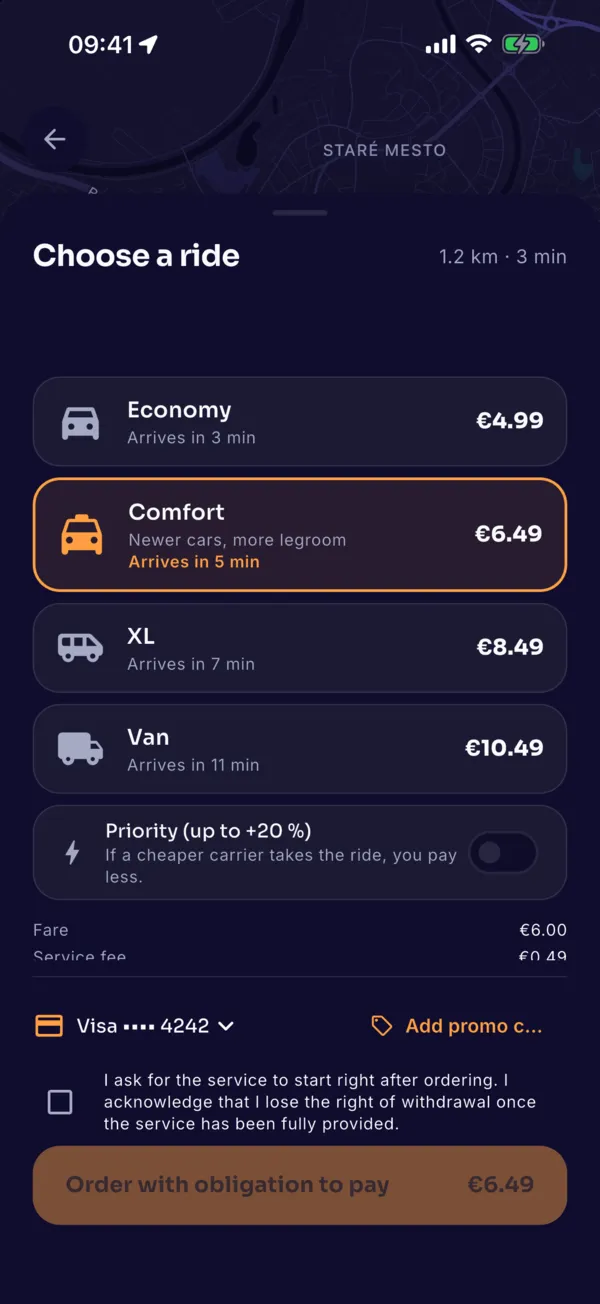
Choose a car and price
Economy, Comfort, XL and Van each show a fixed price and arrival time. Add a promo code and choose card, Apple Pay or Google Pay here.
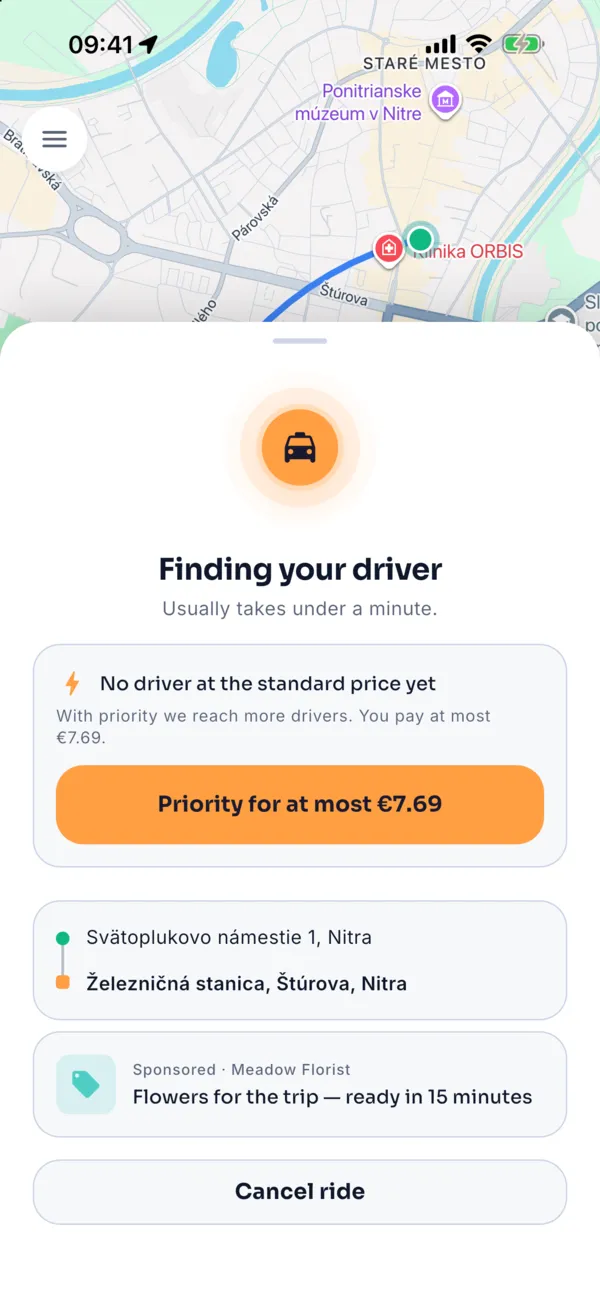
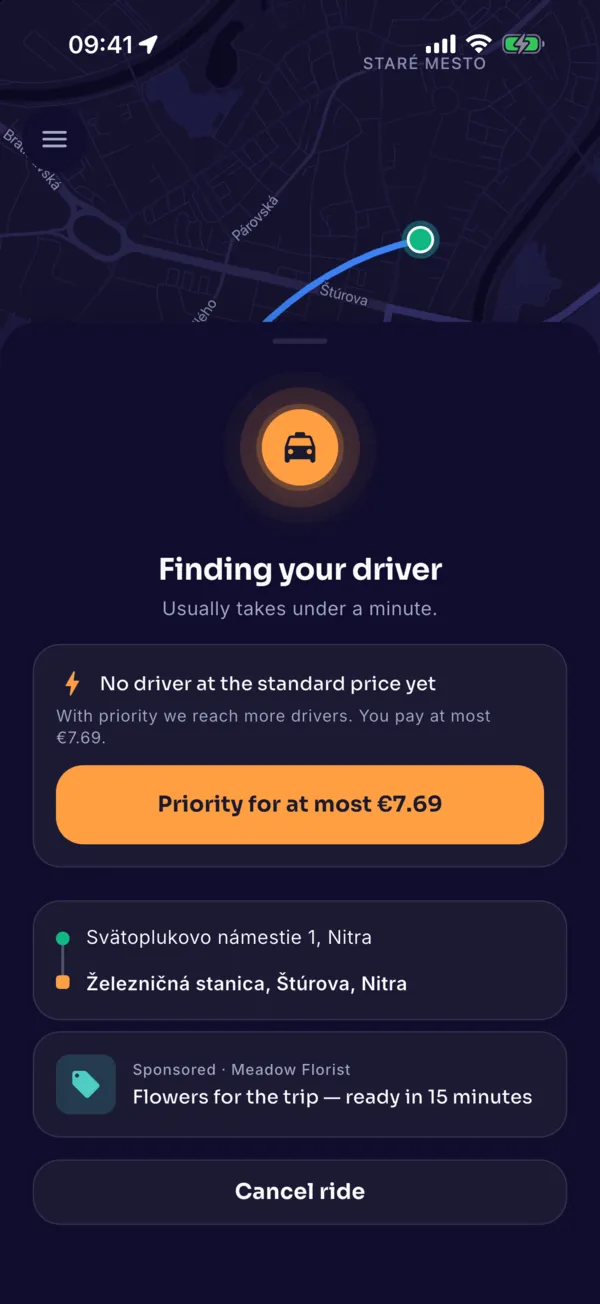
Finding a driver
The nearest free driver gets the offer. You can cancel free of charge within 2 minutes of them accepting.
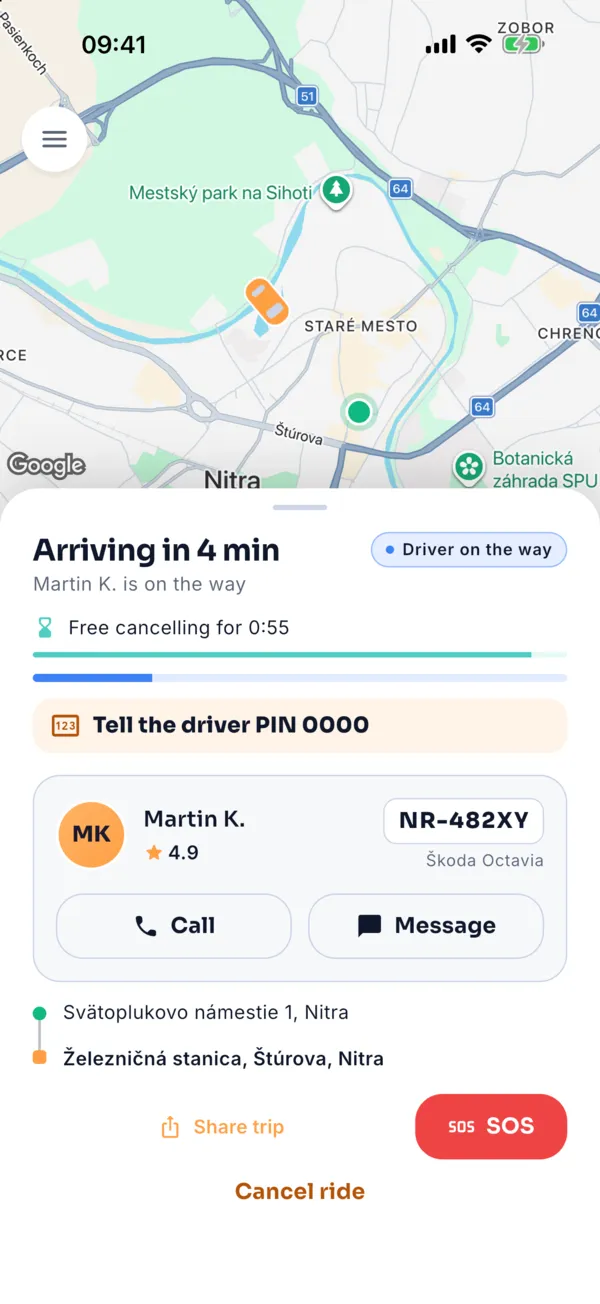
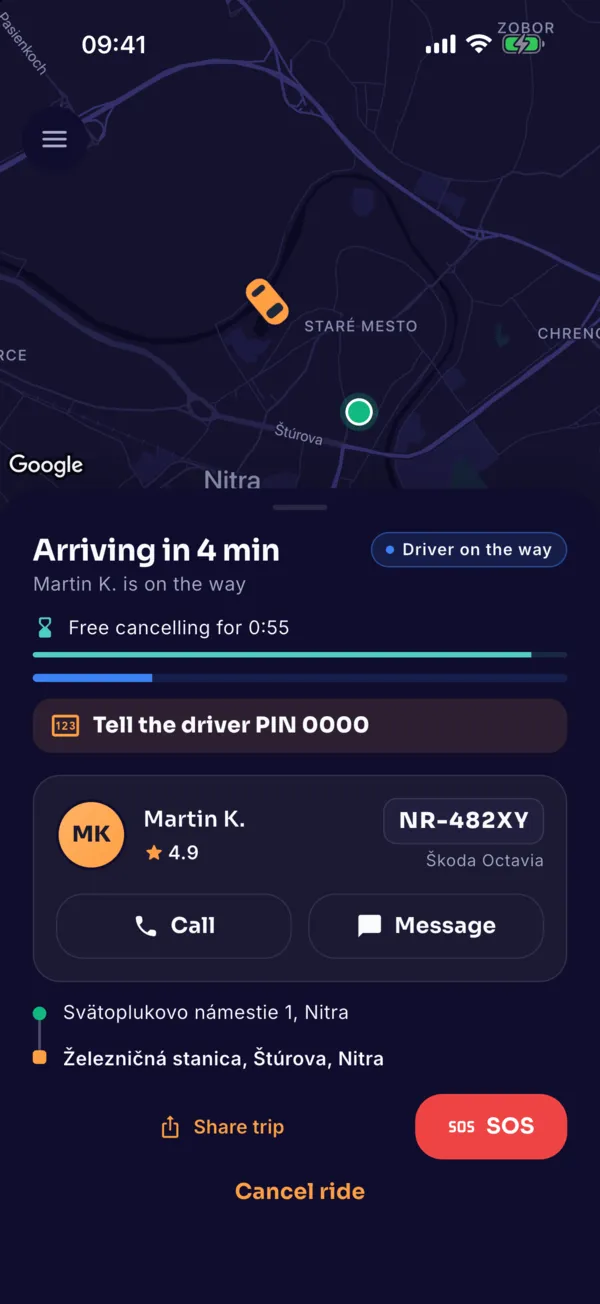
Your driver is on the way
See the driver’s name, rating, car, colour and plate, and where they are. Call or message the driver.
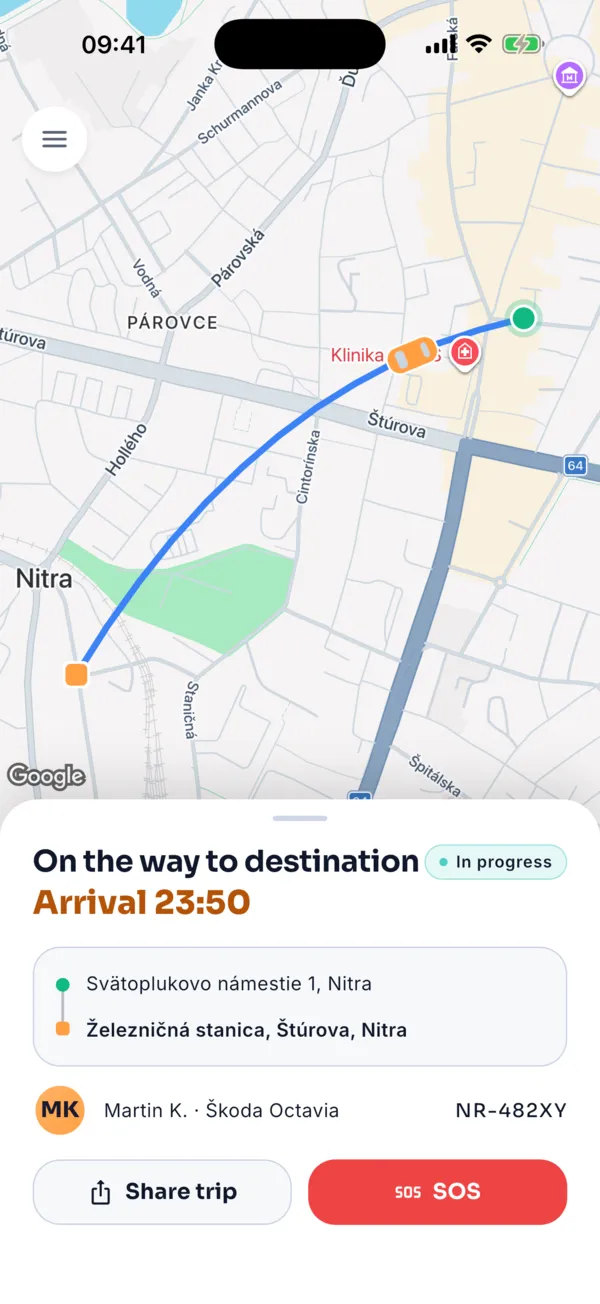
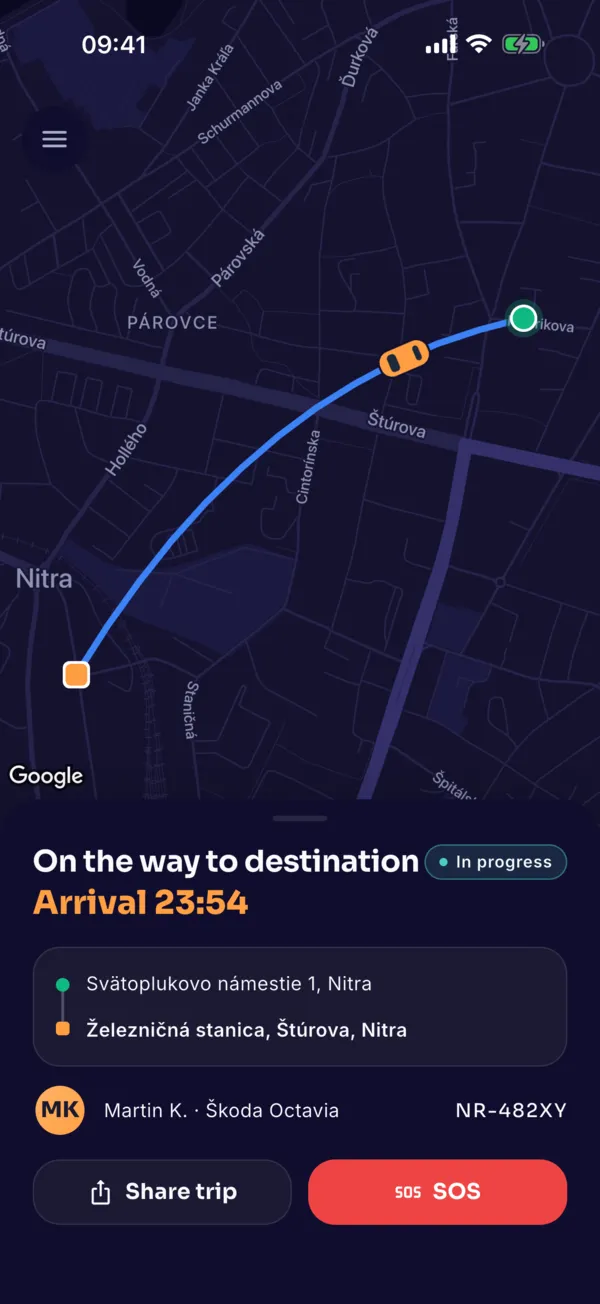
During the ride
Follow the route and arrival time. Share the ride; the 112 emergency line is one tap away.
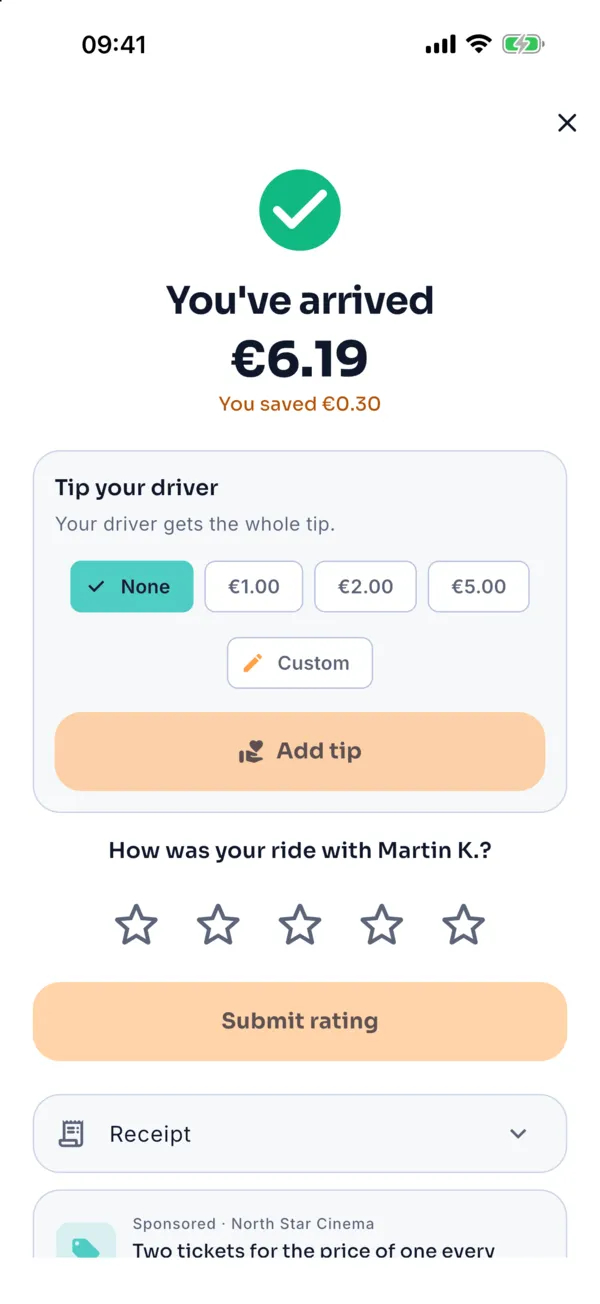
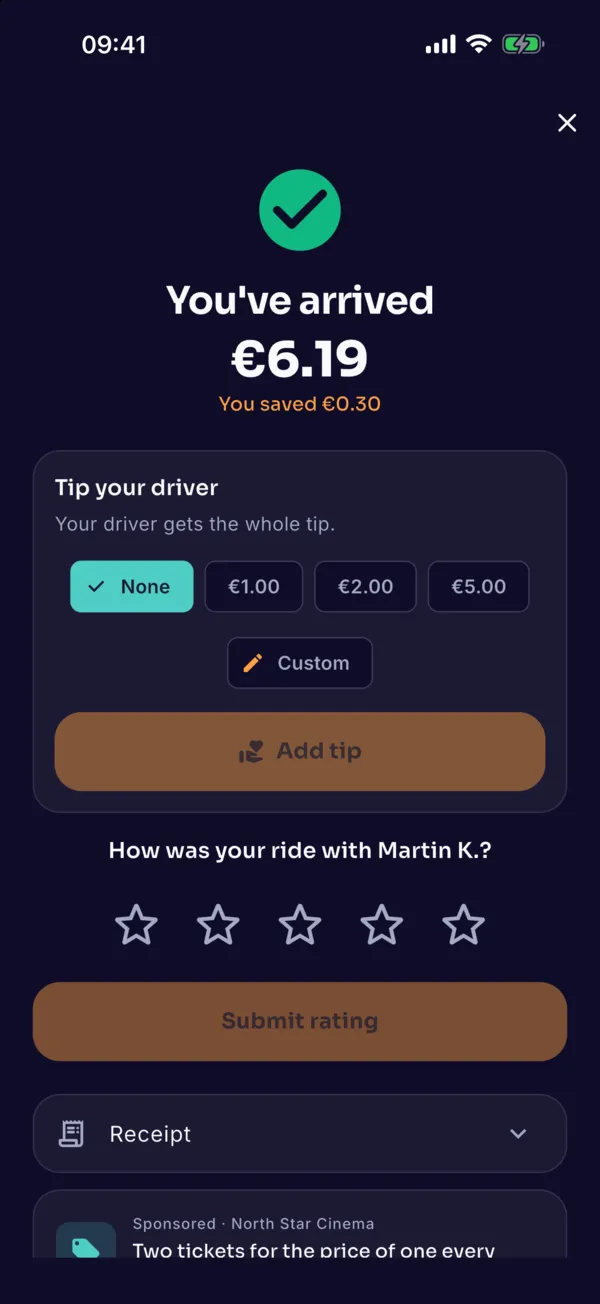
End of the ride
See the amount with a breakdown; payment is automatic. Rate the ride with one to five stars.
Cancelling more than 2 minutes after the driver accepts costs €2.50, all of which goes to the driver. It is always free when the driver is more than 5 minutes late. The app warns you before you cancel.
Driver · AESA Taxi Driver
Driving with the app
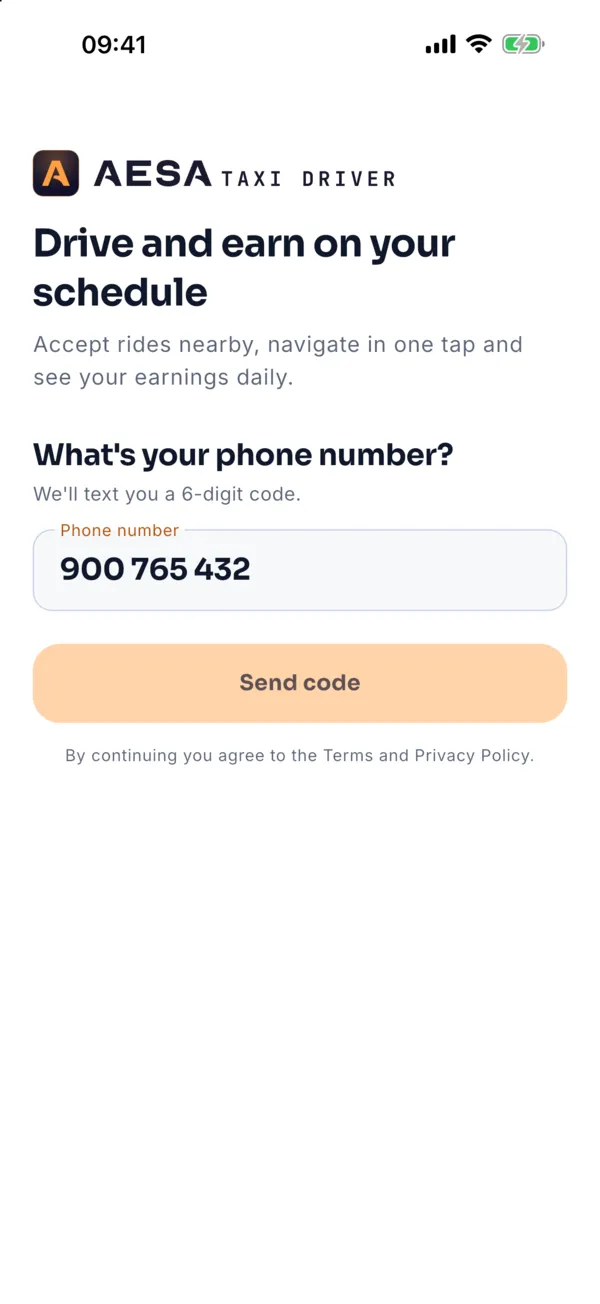
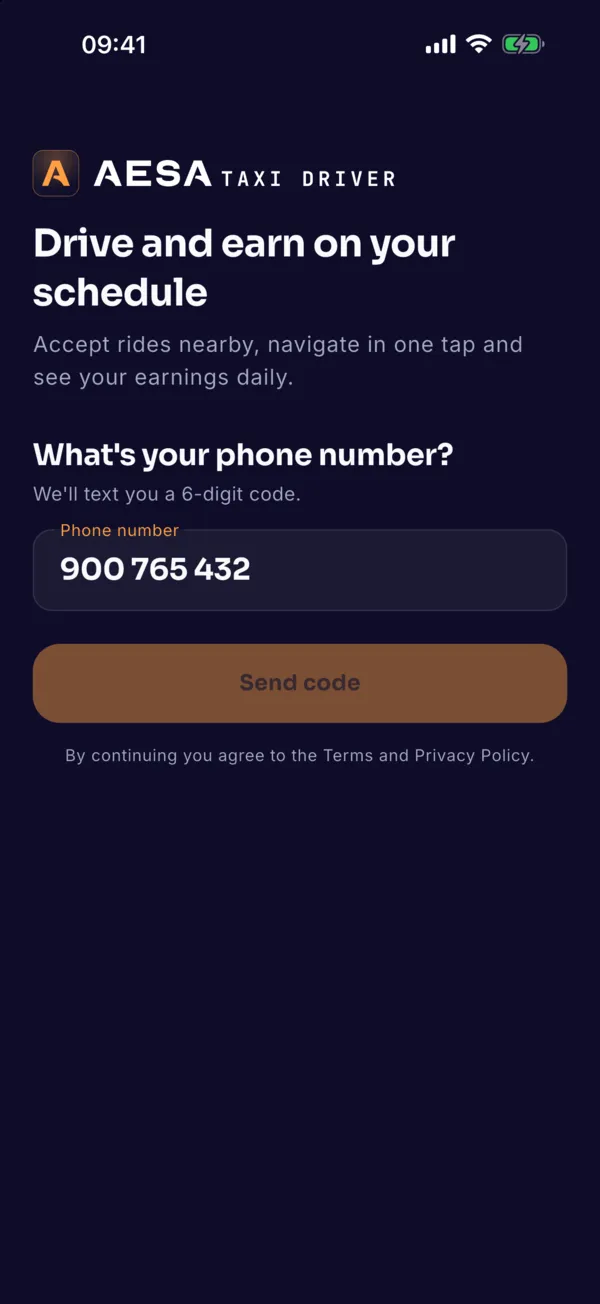
Sign in
Phone number and SMS code. Then choose whether you drive with your own licence or for a taxi service.
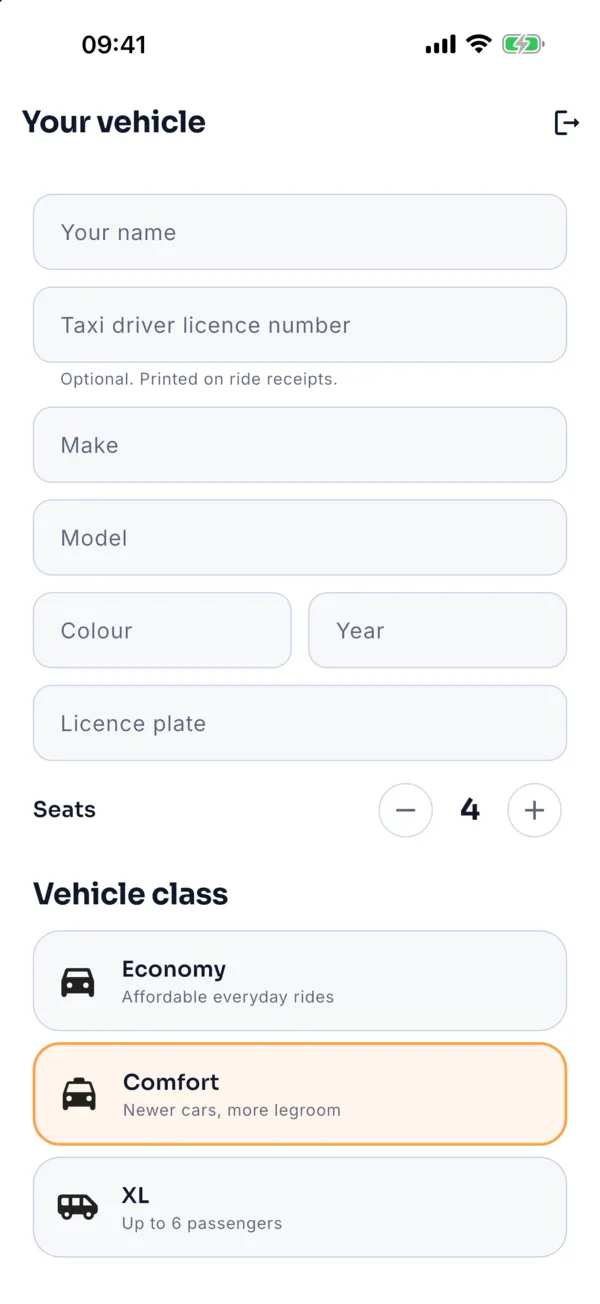
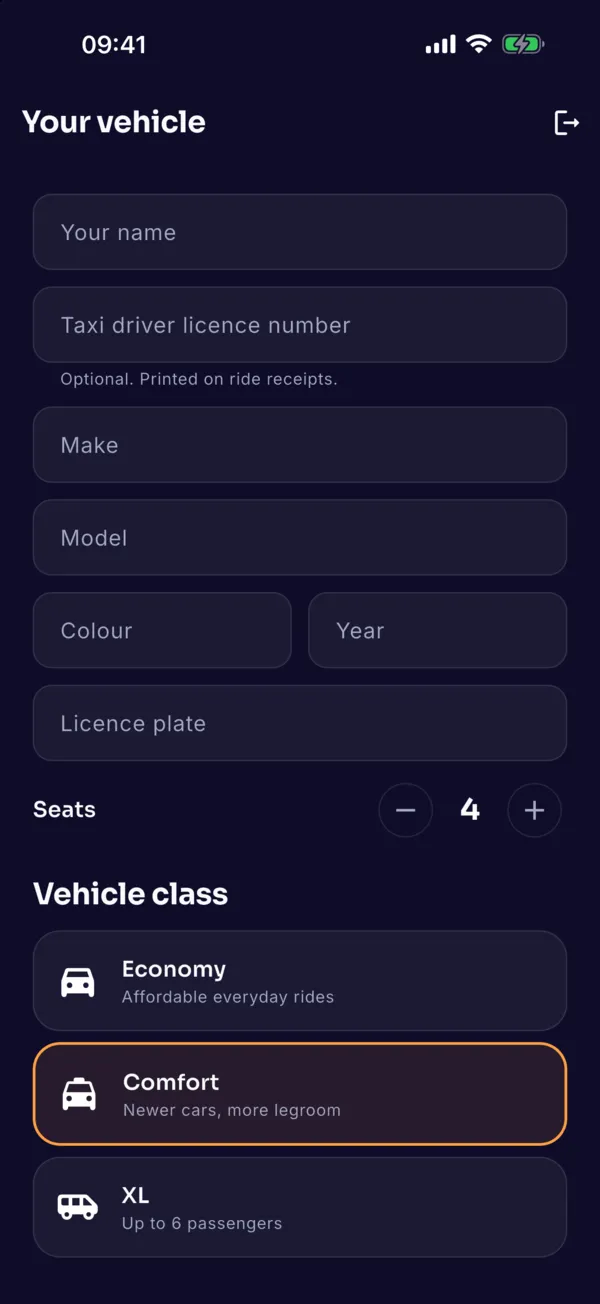
Vehicle
Enter make, model, colour, plate, year, seats and class.
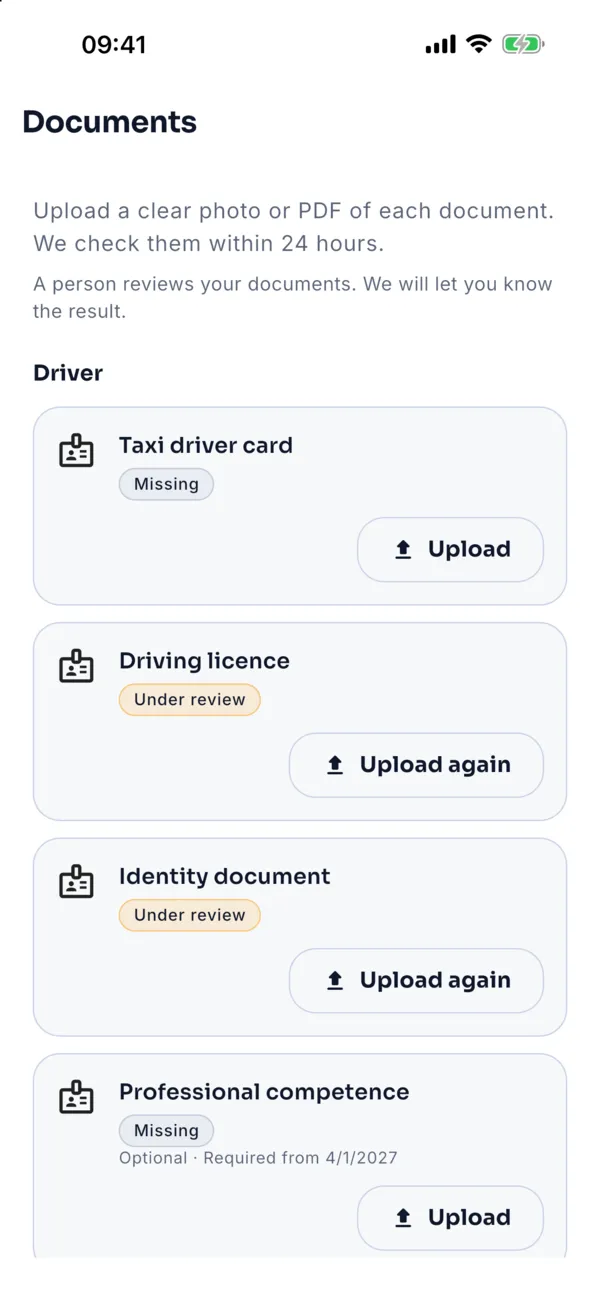
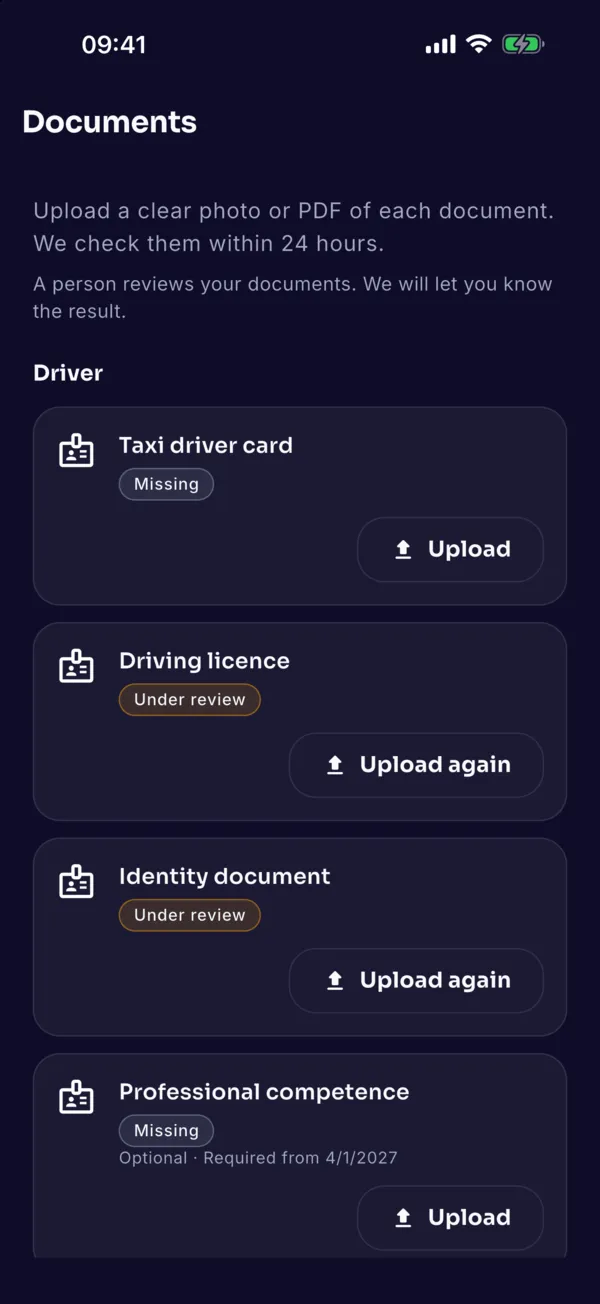
Documents
Taxi driver card, driving licence, ID, taxi licence, vehicle certificate and insurance — photo or PDF.
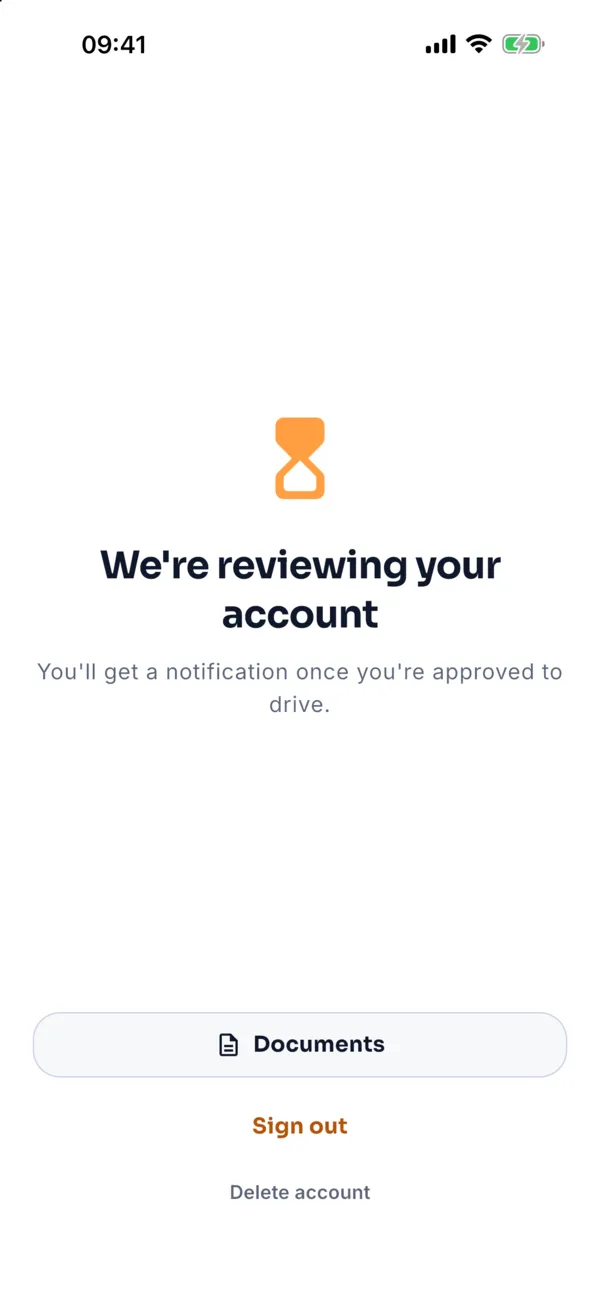
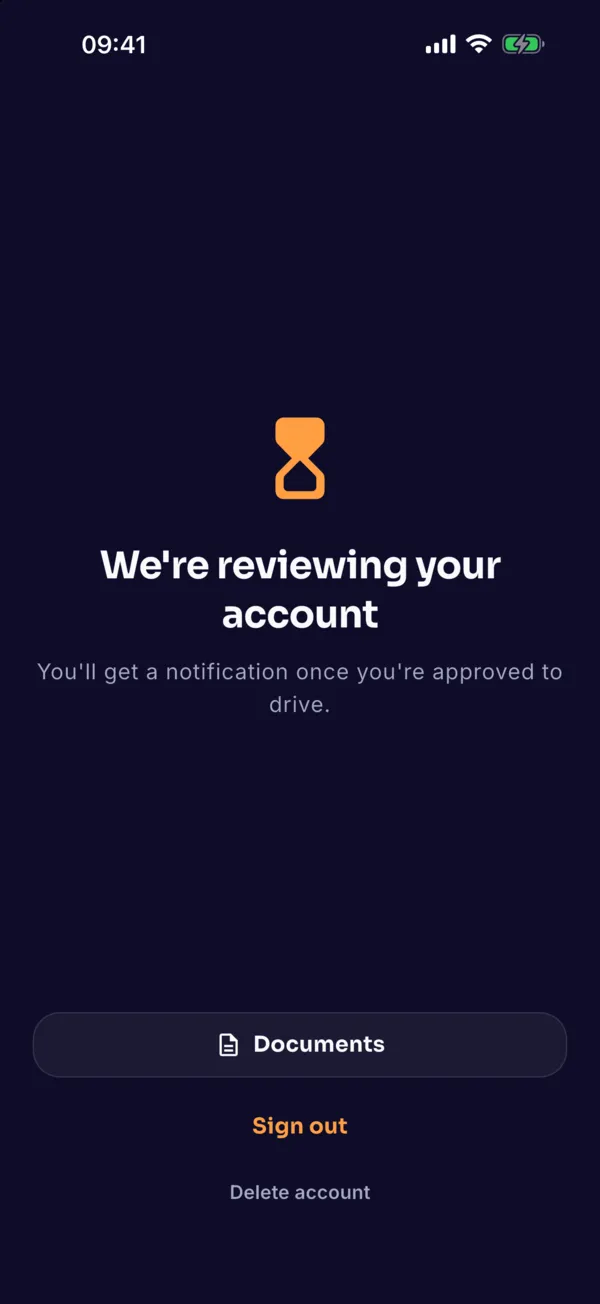
Approval
A person approves your documents within 24 hours. You get a notification, and the reason if anything is rejected.
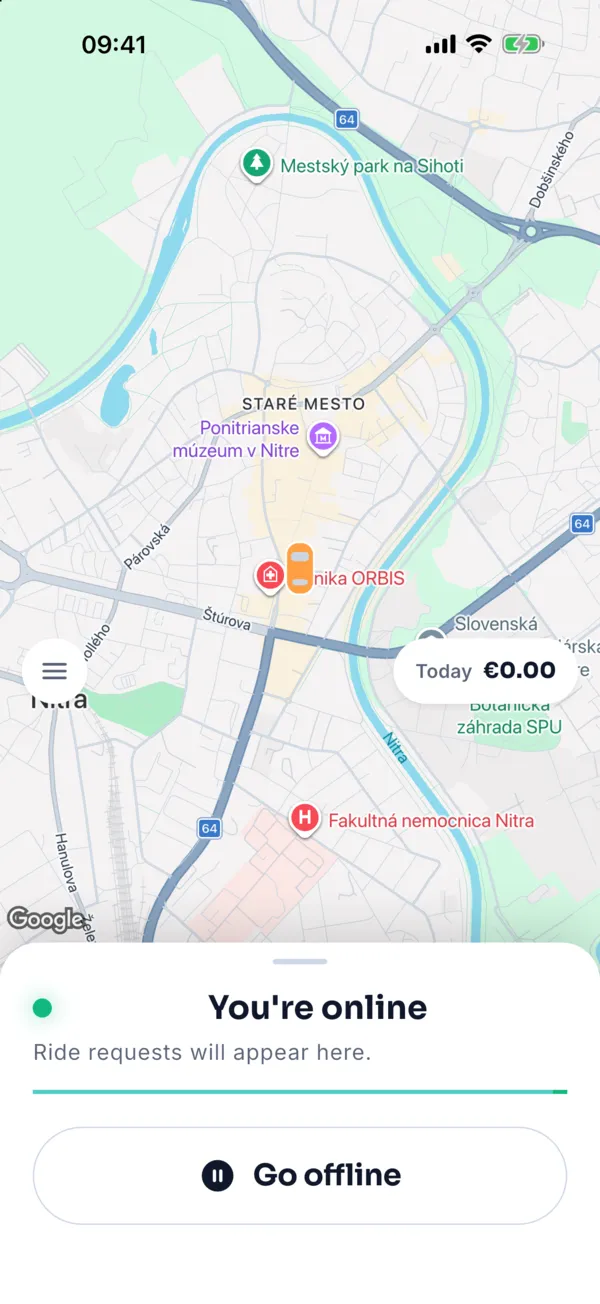
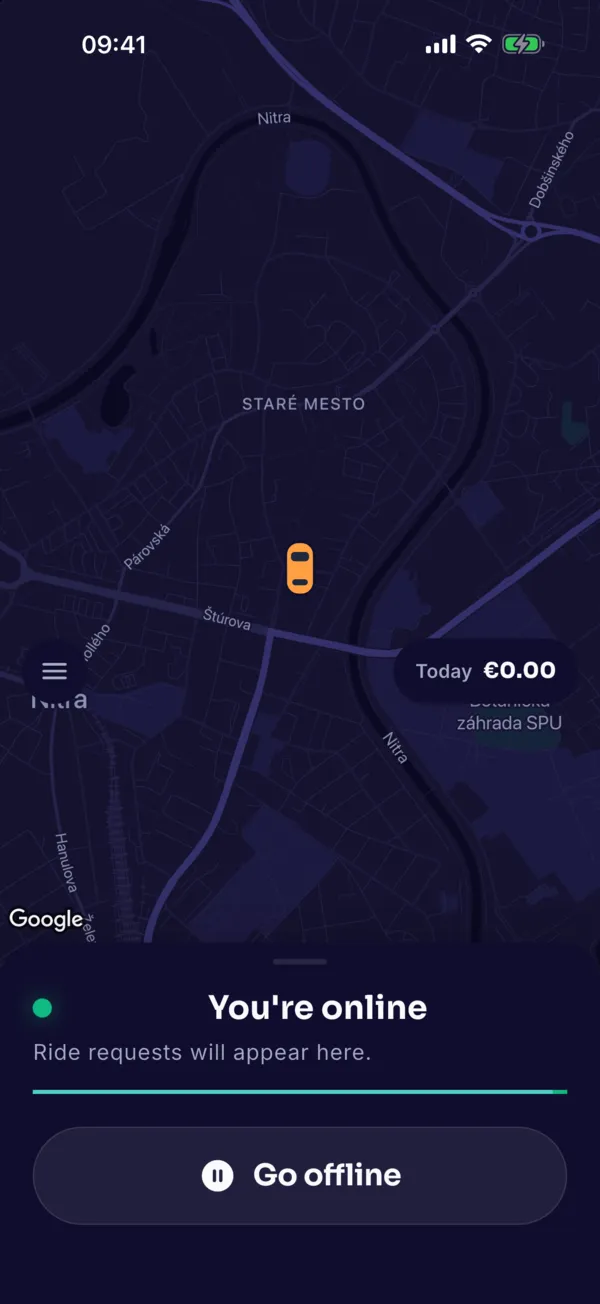
Online
Flip the big switch to receive offers. The home screen also shows today’s earnings.
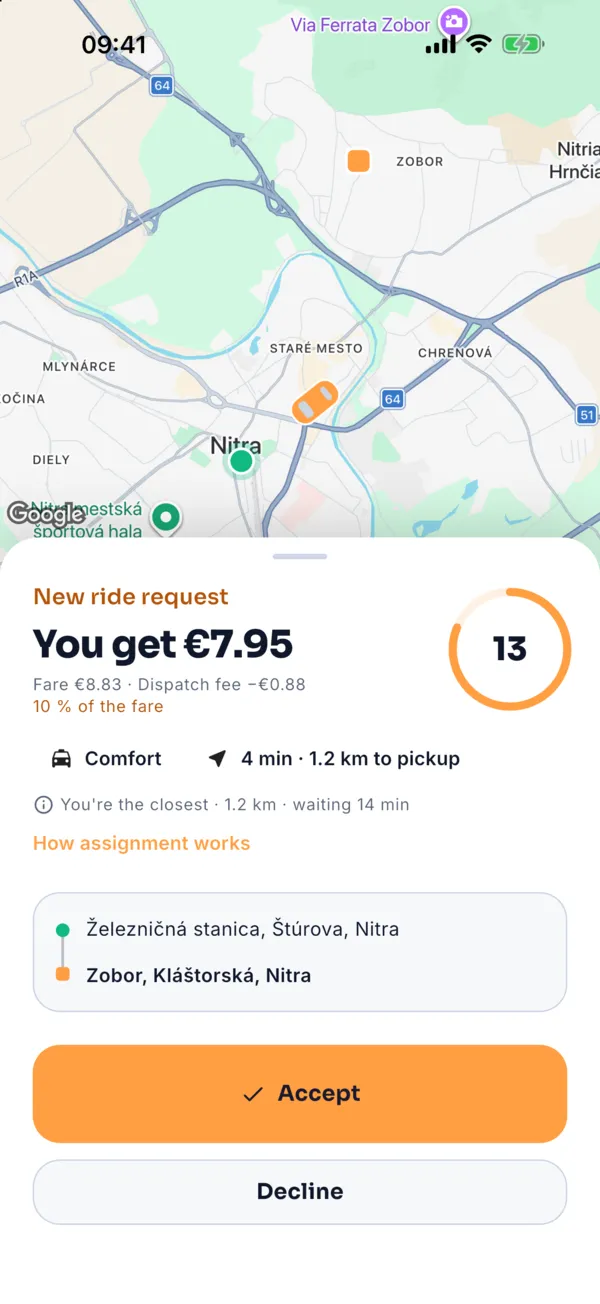
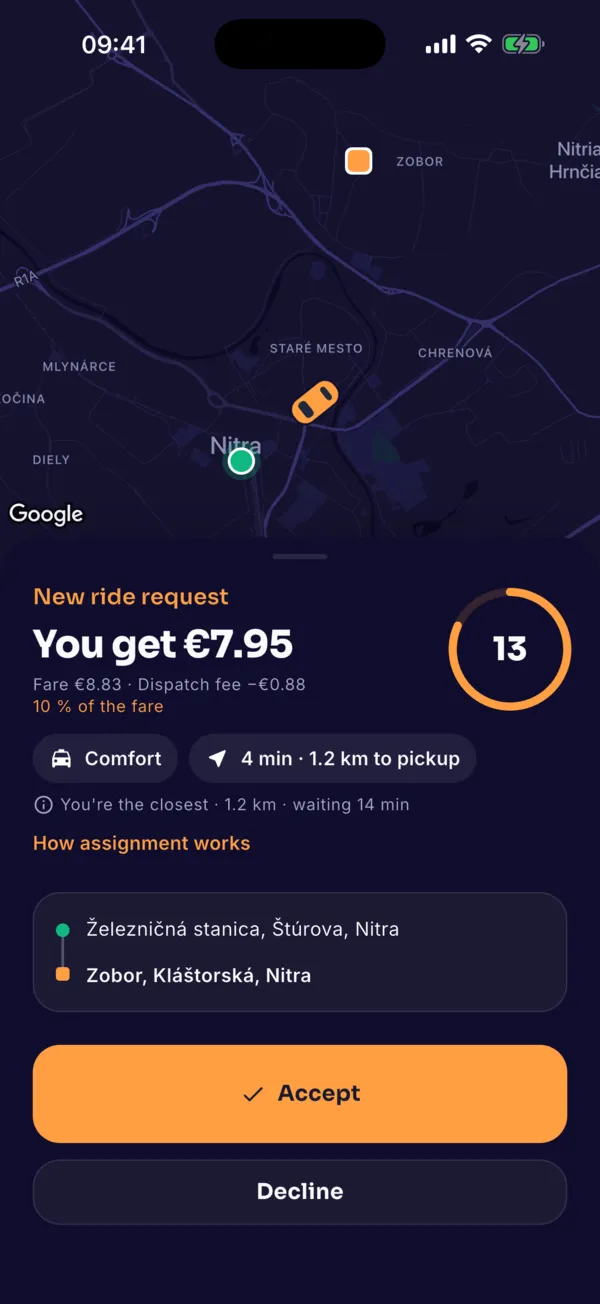
New offer
What you will get, class, distance to the rider and route. Accept or decline within 15 seconds, with no penalty.
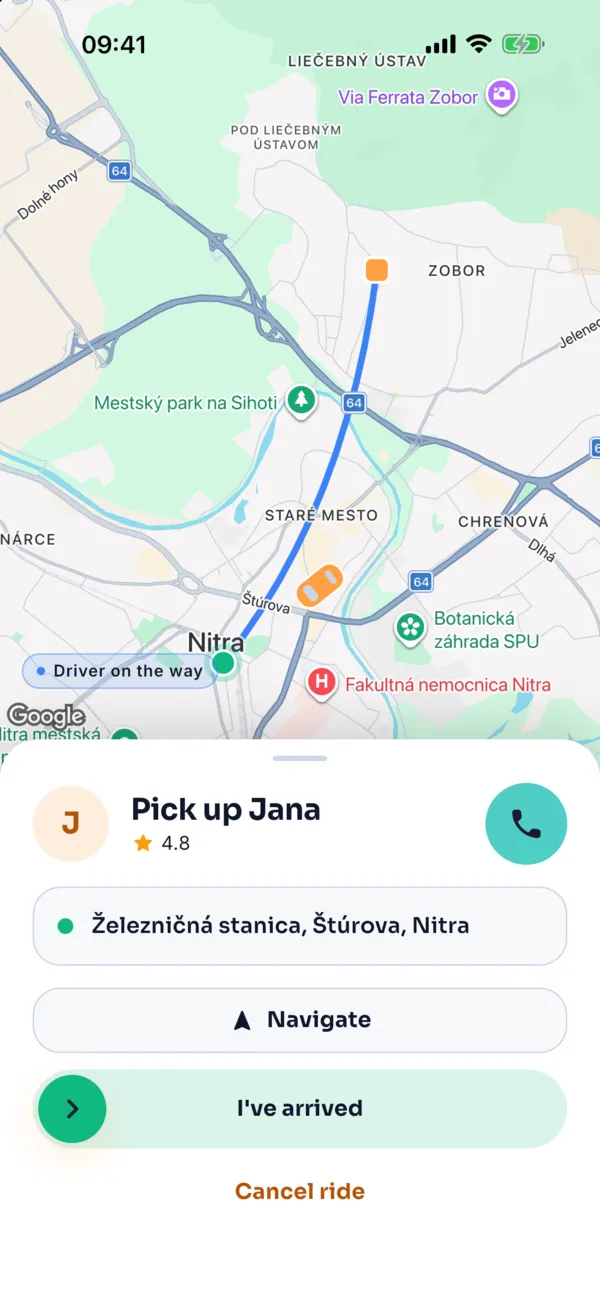
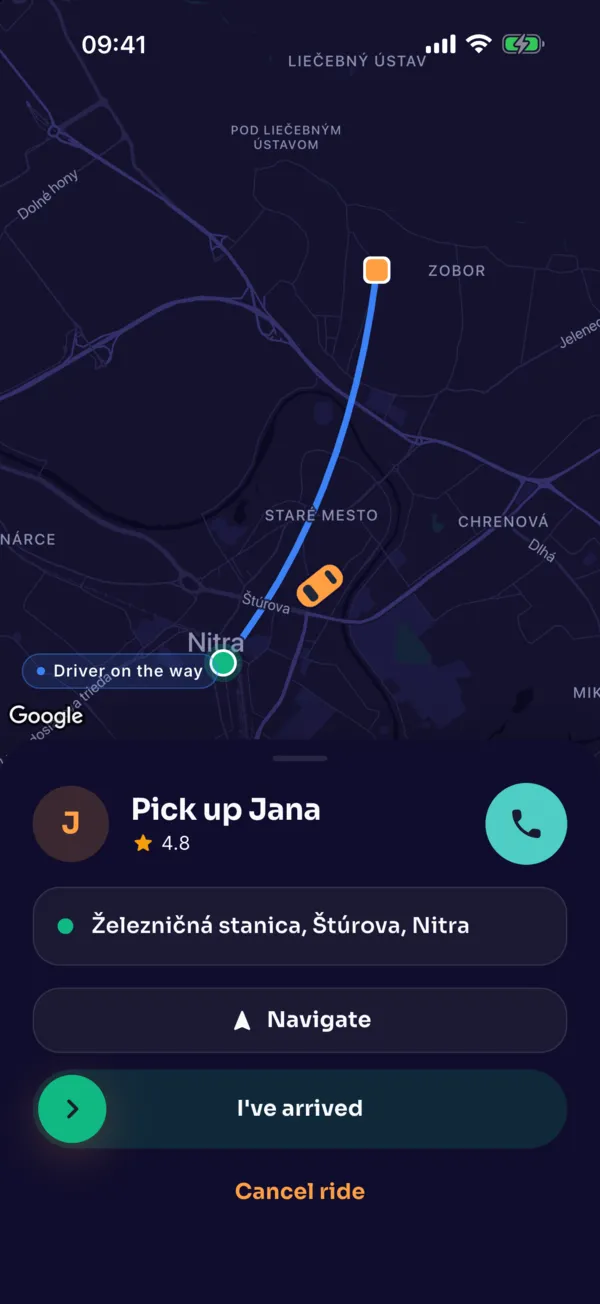
To the rider
Navigation opens Google Maps or Waze. On arrival, swipe “I have arrived”.
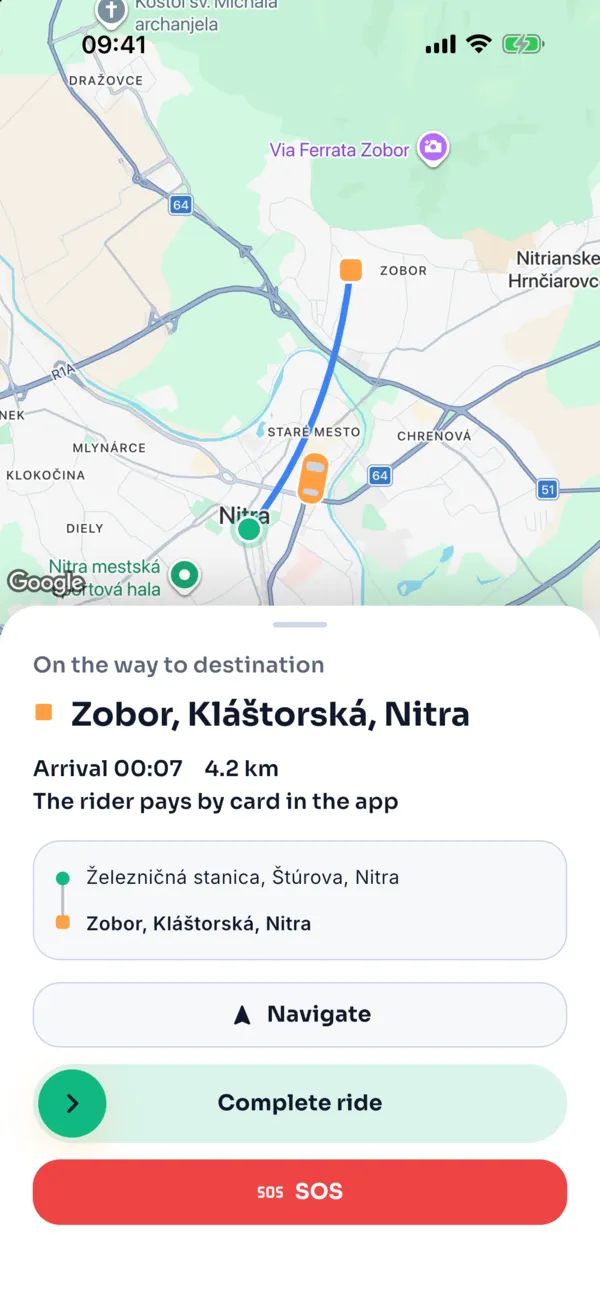
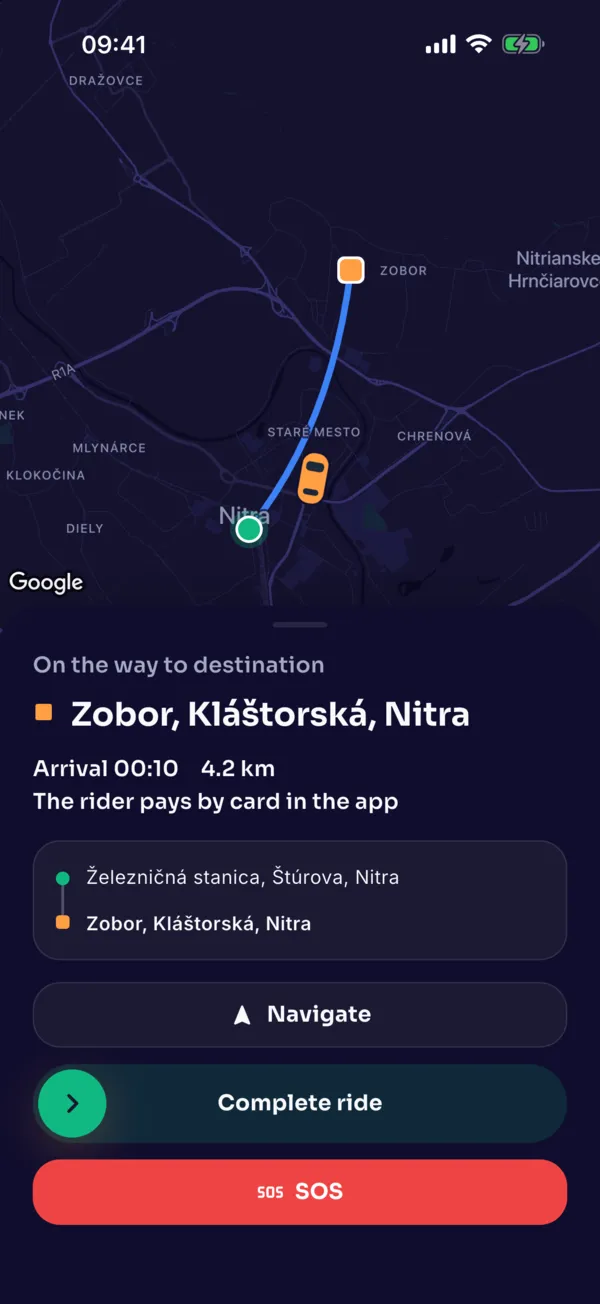
The ride
Start and end the ride with a swipe. The rider pays in the app; you collect no money.
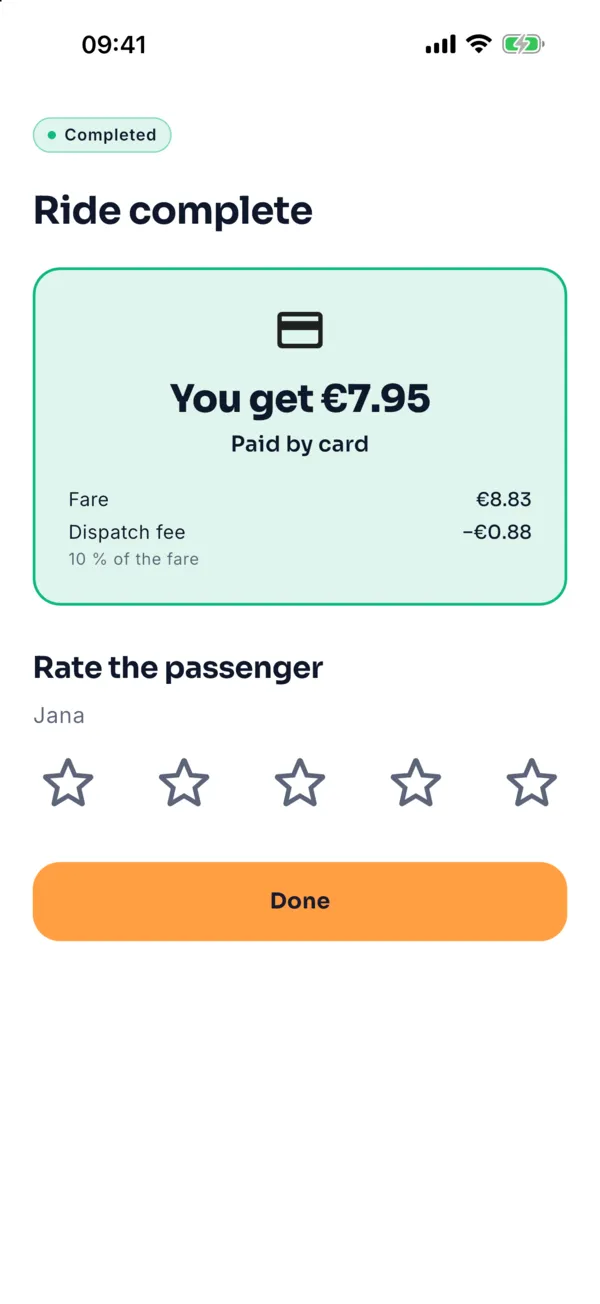
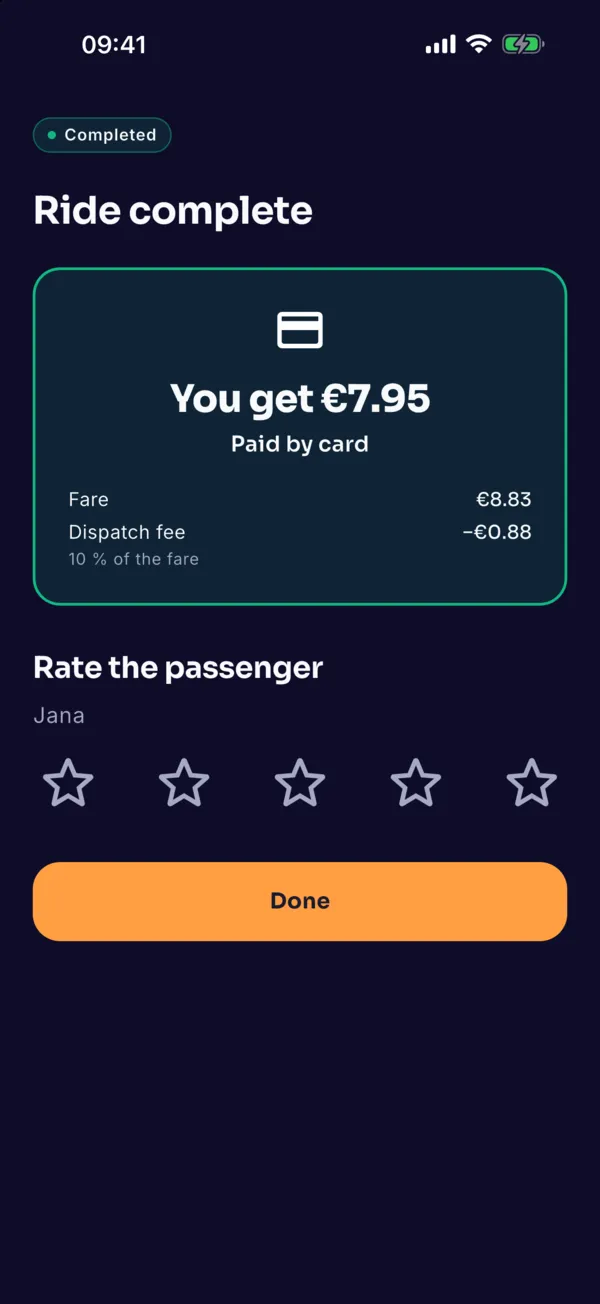
Done
Ride summary and rating of the rider.
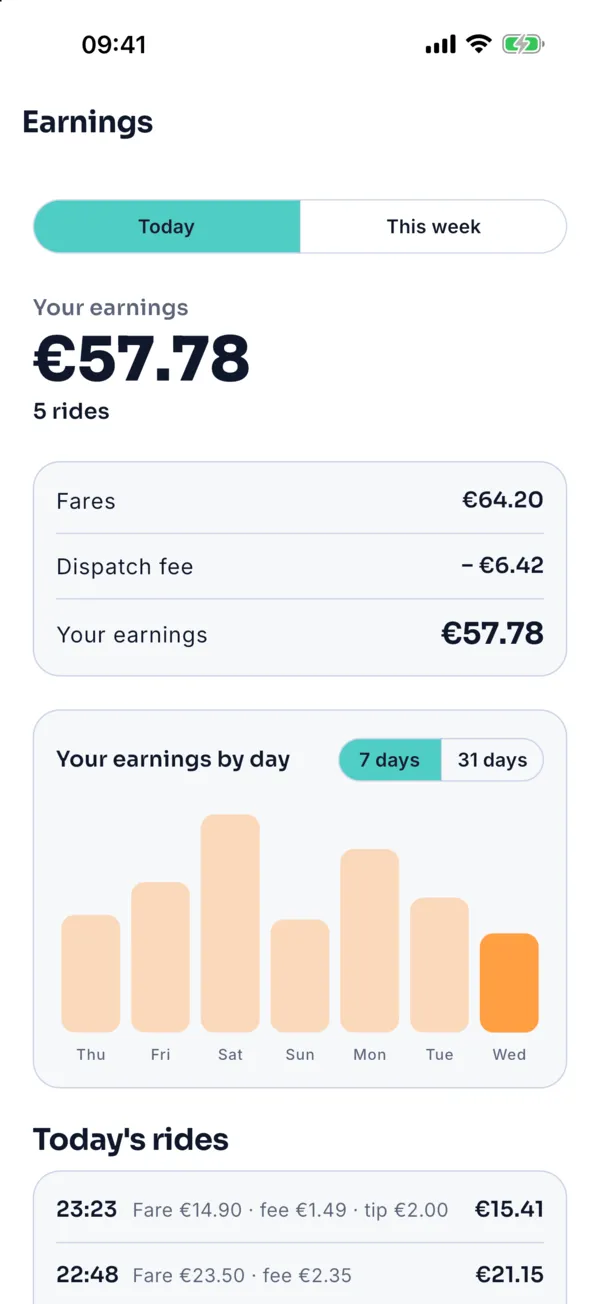
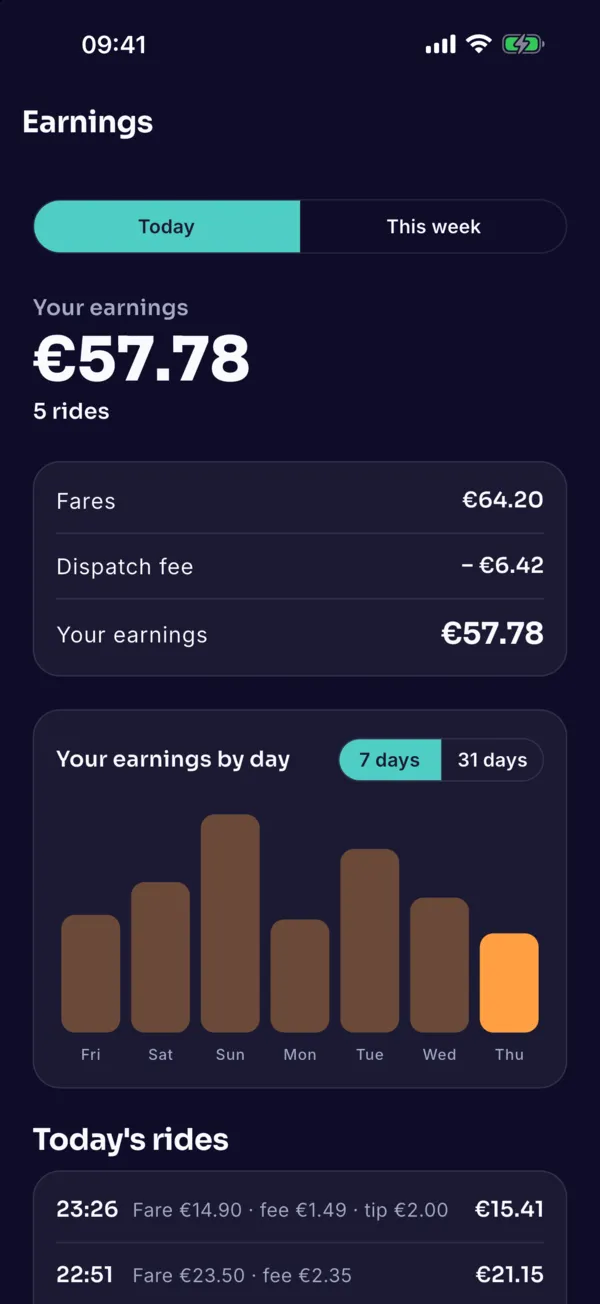
Earnings
Revenue, fee and net earnings per day and week, and how much is left to the weekly cap.